
Deliveries
Delivery drop-off at reception, logged and announced
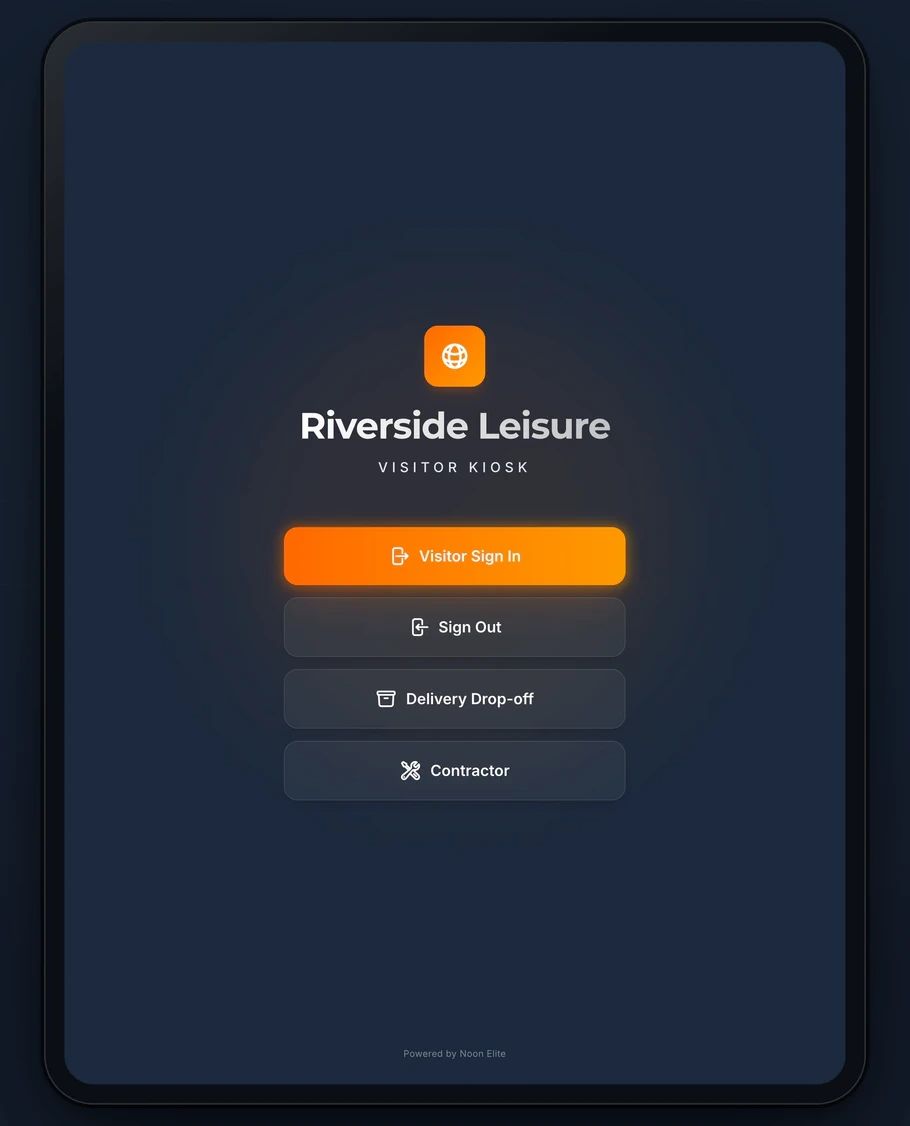
A courier taps Delivery Drop-off on the kiosk and picks their company. The drop-off is logged with the time and your Teams or Slack channel is told, so nobody has to be standing at reception when the parcel arrives.
Sign in on a demonstration kiosk, then open the fire roll call on your phone. Do not enter real details: everything typed is deleted within the hour.
Part of the platform: £150 a month plus VAT, setup from £599.
At the screen
Three taps for a courier
- 1
Tap Delivery Drop-off
On the kiosk home screen, beside Visitor Sign In and Sign Out.
- 2
Pick or type the courier
Nine common couriers are one tap each, DPD, Royal Mail, Amazon, DHL, Hermes/Evri, UPS, FedEx, Yodel and ParcelForce, or the driver types the company name.
- 3
Notify Team
The drop-off is logged with the time, your Microsoft Teams or Slack channel gets a message naming the courier, and the screen thanks the driver.
The record
What is kept, and where you see it
- The driver tapsDelivery Drop-off, then a courier, then Notify Team
- What is storedThe courier company, the time, and which site and kiosk
- Who is toldYour Teams or Slack channel, with the courier’s name
- Where it showsThe Deliveries page of your dashboard, searchable by courier
- How long it is keptThe same period as your visitor records, twelve months by default
- What it costsNothing extra. It is part of the £150 a month platform
Being straight with you
What this does not do
- A drop-off is not a sign in, and it is not on the fire roll call. A driver who comes further than the door should sign in as a visitor.
- It stores no driver name, no recipient, no parcel count, no signature and no photograph. It is a log that a courier came, not proof of delivery.
- The message goes to a channel, not to the person the parcel is for.
- The deliveries log is searchable on screen but has no export, unlike the visitor record.
Who is on the fire roll callIf nobody sits at your reception
Before you ask
Questions about drivers and deliveries
Is a delivery driver on the fire roll call?
Not after a drop-off. The roll call lists people who have signed in and not signed out, and a drop-off is logged as a delivery rather than a person on site. If your drivers wait in the transport office or walk the yard, have them sign in as visitors: then they give their vehicle registration, accept your site rules and are on the list.
Does it tell the person the parcel is for?
It tells your channel. The kiosk sends one message to the Teams or Slack channel your site uses, naming the courier, and whoever watches that channel picks it up. There is no list of recipients to choose from.
What if we have not set up Teams or Slack?
The drop-off is still logged and appears in the dashboard, and the screen tells the driver the delivery has been logged. Only the message is missing.
What happens if the Wi-Fi is down?
The drop-off is held on the iPad and logged when the connection comes back, with the time it is logged rather than the time the driver was there.
For drivers who come onto the site: driver sign inFor warehouses, where most visitors are driversThe visitor management kiosk in full
Next step
Tell us how deliveries reach you today
Fifteen minutes on the phone. Who takes parcels, where drivers go, and who needs to know. We will tell you straight whether a kiosk is worth your time.
Book a 15 minute callNo site visit needed and nothing to install. If it is not a fit we will say so on the call.
Would rather email? [email protected]
Not the person who signs it off? Send them the one page business case