
Hardware
Visitor kiosk hardware, and what is included
An iPad on a steel floor stand in a locking enclosure, and a label printer if you take badges. It is ours, it is in the monthly price, and all you provide is Wi-Fi and a mains socket.
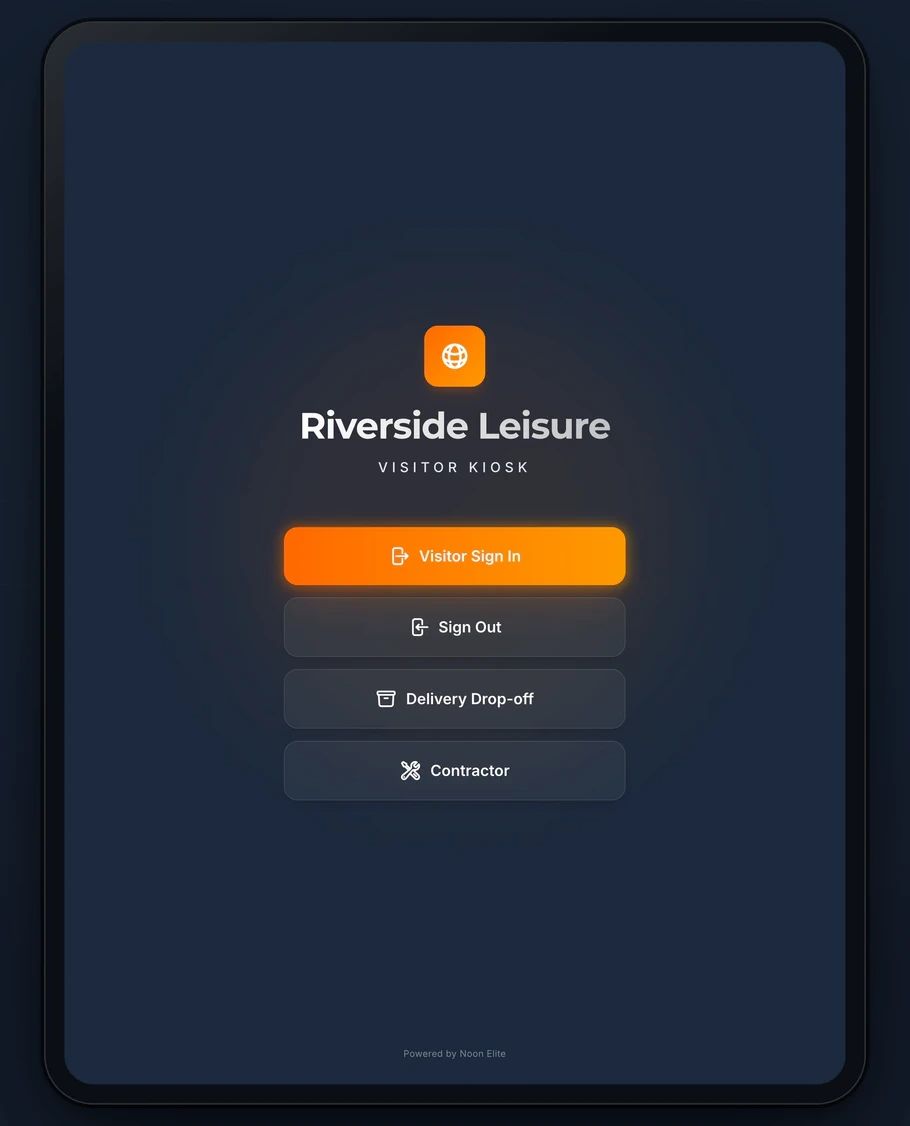
Sign in on a demonstration kiosk, then open the fire roll call on your phone. Do not enter real details: everything typed is deleted within the hour.
From £599 setup and £150 a month plus VAT, iPad and stand included.
In the box
What arrives
Everything is configured before it leaves: your sites, your host list and your wording are on the kiosk before anybody at your end opens a box.
The iPad
In its original retail box, erased and ready. The first time it is switched on at your site it enrols itself under our Apple Business Manager account and locks to the kiosk app.
The stand
A steel floor stand with a locking enclosure and a concealed power cable, assembled before it leaves, with the cables routed and labelled. The iPad travels in its own box and goes into the stand when it arrives: a mounted iPad in a parcel is a lever waiting to break.
A screen protector, and a spare
Fitted to the iPad before it ships, with a second one in the box for the day the first one gets scratched.
A quick start card
One card with a QR code, for the person who opens the box. Around the East Midlands we install in person instead; further afield it can be installed in person by arrangement.
With the badge module
The label printer
- A Brother QL-820NWBc thermal label printer, set up for your kiosk before it ships
- DK-N55224 labels: a 54 mm continuous, non-adhesive roll that goes into a lanyard holder rather than sticking to a jacket
- Badge stock and lanyards, included and maintained
- It joins your network by Wi-Fi or Ethernet, on the same network as the iPad
Two Apple terms
What they mean for you
Apple Business Manager
The iPad is registered to us with Apple, so it sets itself up when it is first switched on at your site and stays under our management from then on.
Single App Mode
The iPad runs the kiosk and nothing else, so a visitor cannot leave it, browse or change its settings, and we can lock or erase it remotely if it goes missing.
What you provide
A socket, a signal, and a word about your network
A mains socket
Where the kiosk is going, and a second one for the printer if you take the badge module.
Wi-Fi at the kiosk
A usable signal where the stand will sit, internet access over HTTPS, and no captive portal or splash page. We send your IT a short checklist before it ships.
A word before it ships, if your Wi-Fi is locked down
A captive portal, 802.1X or MAC address filtering can stop an iPad getting online the first time it is switched on. If your network has any of them, tell us first: the alternative is an iPad with its own data SIM.
Who owns it
Ours, not yours to insure or depreciate
The iPad, the stand and the printer belong to us, are included in the monthly price and are managed by us, so your asset register does not change. When the agreement ends the hardware comes back to us within fourteen days.
Every price, and what is not charged forThe terms that govern the hardware
When something breaks
Failure is on us, damage is on the site
Standard hardware failure is covered: we ship a configured replacement in three to five working days at no cost. Accidental damage, loss and theft are the site’s responsibility and are charged at the actual cost of repair or replacement.
Before you ask
Hardware questions from the first call
What is included in the monthly price?
The iPad, the floor stand and its locking enclosure, hosting, backups, software updates and support, for £150 a month plus VAT. With the Secure Badge and Approval module, the label printer, badge stock and lanyards are included too. Setup is from £599 per site.
Who owns the hardware?
We do. It is included in the monthly price and managed by us, so it does not go on your asset register. When the agreement ends it comes back to us within fourteen days, and your records can be exported before then.
What happens if it breaks?
Standard hardware failure is covered: we ship a configured replacement in three to five working days at no cost. Accidental damage, loss and theft are the site’s responsibility, so a cracked screen is chargeable at the actual cost of repair or replacement. The locking steel enclosure is the practical protection.
What happens if the Wi-Fi drops?
Visitors keep signing in. A sign in made while the connection is down is held on the iPad and sent when it comes back, recorded with the time the person actually arrived. A badge needs the connection, so while the kiosk is offline it signs people in without one.
Next step
Tell us where the kiosk would stand
Fifteen minutes on the phone. Where people come in, what the Wi-Fi is like at that spot, and whether you want printed badges. We will tell you straight whether it will work there.
Book a 15 minute callNo site visit needed and nothing to install. If it is not a fit we will say so on the call.
Would rather email? [email protected]
Not the person who signs it off? Send them the one page business case